Mastering Instagram Highlights: A Beginner’s Guide
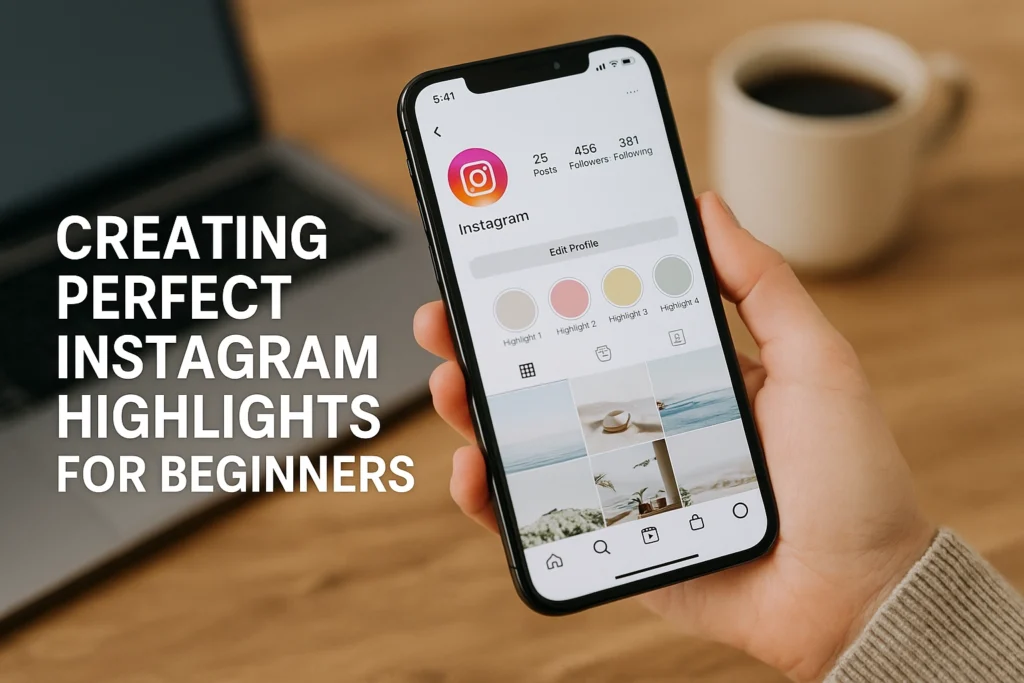
Ever wish your best Instagram Stories could live longer than 24 hours? Highlights are your shortcut to keeping those moments front and center on your profile, so new visitors can binge your greatest hits anytime. Whether you want to showcase travel snaps, FAQs, or testimonials, Highlights make your profile feel curated and clear, even if you post on the fly. This beginner friendly how to will walk you through how to add highlights on instagram, step by step. You will learn how to create your first Highlight from your Story archive, how to add and remove clips, how to choose or design a clean cover, and how to rename and reorder for a polished look. We will also cover quick fixes when something is not showing up, privacy basics, and simple ideas for organizing by theme. By the end, you will have a profile that tells your story at a glance, and a repeatable process you can use in minutes. No fancy tools. Just your phone, a few taps, and a little creativity. Gathering Your Resources Prerequisites and materials Before you learn how to add highlights on Instagram, gather a few basics. Update your Instagram app, on iOS check the App Store updates tab, on Android check Google Play, this gives you the latest features. If you need a quick refresher, watch How to Add Instagram Story Highlights. Bring a phone with the updated app, a free Canva account, your logo files, and brand color hex codes. The outcome is simple, you will be ready to build clean, on brand Highlights without rework. Steps Collect or create engaging Stories, think behind the scenes, product demos, FAQs, and customer shoutouts. Carousels can reach engagement rates around 10.15 percent, so mix short clips and frames to keep viewers tapping. 2) Organize them into clear buckets like Products, Testimonials, FAQs, and Events to reduce friction and increase profile stickiness. 3) Design custom covers in Canva, search Instagram Highlight Cover, set 1080×1920, center a simple icon or logo, export PNG, upload as a Story, then set as the cover. 4) Align to brand identity, use exact hex colors and approved fonts, keep a mini style guide. For deeper tips, see Instagram Highlights: Everything You Need to Know in 2025. Creating a New Highlight Open Instagram and go to your profile, make sure Stories are saved to Archive so you can pull from them. 2. Tap the + icon under your bio in the Story Highlights area, then choose New to start a collection that keeps key Stories visible beyond 24 hours, a quick win when you are learning how to add highlights on Instagram. 3. Select as many past Stories as you like, focus on evergreen pieces like product walkthroughs, FAQs, testimonials, and event recaps, since 58% of users become more interested in a brand after seeing Stories, which means your Highlights can nurture warm traffic, see supporting data. 4. Choose a short, audience-first name such as Services, Before & After, Reviews, or FAQs, and add a clean cover to boost taps, you can quickly design on-brand covers using templates in this cover guide. Tap Done to pin the Highlight to your profile, review monthly and reorder as needed, and if you want to add Highlights from Archive without posting a new Story, follow this walkthrough. Editing Your Highlights If you already know how to add highlights on Instagram, here is how to refine them for impact. At Jesus Empire, we suggest ensuring your app is updated and Stories are saved to Archive, the outcome you want is a polished, on-brand Highlight that keeps visitors exploring. 1) Hold your finger on the Highlight icon you want to edit on your profile. 2) Tap Edit Highlight, then check or uncheck Stories to add or remove, trimming outdated clips and pinning your best tutorials, product shots, or testimonials. 3) To reorder for a cohesive story, clear the Highlight and re-add clips in sequence, for example Intro, Demo, Review, CTA, since Instagram displays by date. 4) Tap Edit Cover and upload a custom image that matches your colors, fonts, and logo so your grid looks tidy and clickable. Example, a café using Menu, Specials, Reviews can improve profile stickiness even as 2025 averages hover near 0.45 percent engagement, so clarity wins. Customizing Highlight Covers Before you think about how to add highlights on Instagram, prep your covers. Gather your brand colors, logo, and a simple icon set, plus the Instagram app and a free design tool like Canva. Keep relevance obvious, a suitcase for Travel, a cart for Shop, a star for Reviews, and limit text to 1 to 3 words. Aim for consistent colors, fonts, and spacing so your row of circles reads like a brand kit. With average Instagram engagement around 0.45 percent in early 2025, polished Highlights help your profile stand out. At Jesus Empire, we also recommend high contrast for accessibility. Quick steps In Canva, open an Instagram Story canvas, 1080 by 1920, set a brand background, then center a clear icon inside the invisible circle. Export as PNG and save to your camera roll. On Instagram, open your profile, long press a Highlight, tap Edit Highlight, tap Edit Cover, pick your PNG, pinch to fit the circle, tap Done. Repeat for each Highlight to keep a consistent set, then preview on different phones for legibility. Expected outcome, a clean, on-brand navigation bar that leads viewers to evergreen stories and improves taps and time on profile. Using Highlights for Business Strategy If you already know how to add highlights on Instagram, use them like mini landing pages for launches, promos, and culture. Create a New Arrivals or Deals highlight so followers find offers fast, and refresh weekly. Mix product teasers, FAQs, carousels, and short how tos to outperform typical 0.45 to 2.0 percent engagement. Add branded covers, and group content into Products, Tutorials, Reviews, and Events. Prerequisites: enable Story Archive, gather promo codes, BTS clips, customer quotes, logo files, and simple cover …
Mastering Instagram Highlights: A Beginner’s Guide Read More »