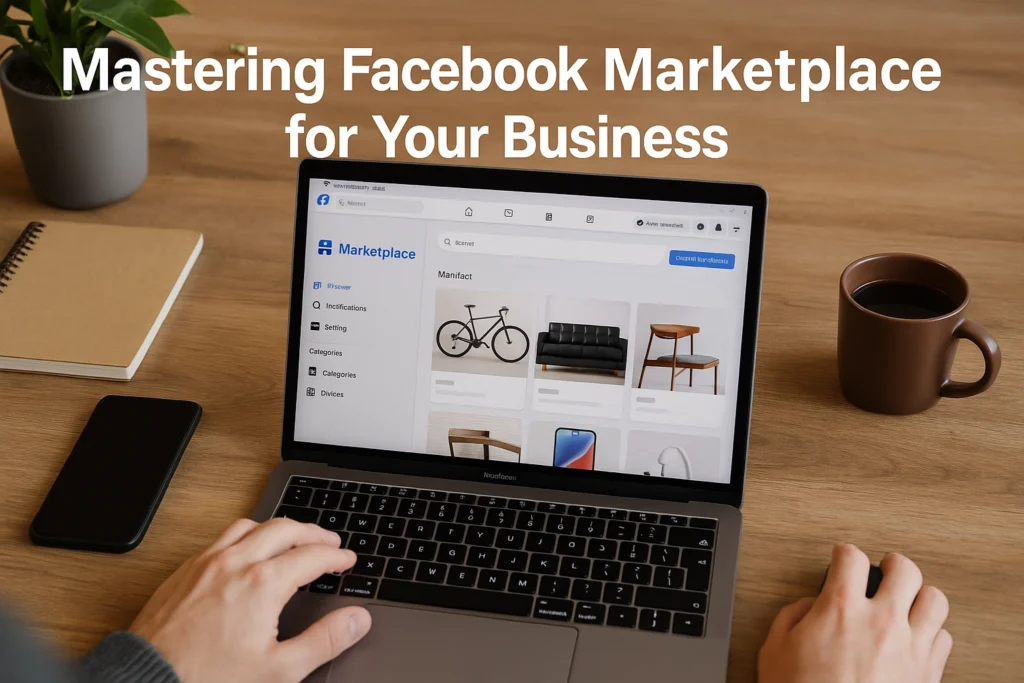
Mastering Facebook Marketplace for Your Business
Ready to turn casual scrollers into paying customers? Facebook Marketplace is one of the fastest ways for small brands to reach local and national buyers, with low barriers to entry and strong intent. Whether you run a side hustle or a small shop, mastering the basics of a facebook marketplace business can help you list products faster, appear in more searches, and convert interest into orders. In this beginner friendly how-to, you will set up a compliant seller profile, choose the right categories, craft high quality photos, and write listings that sell. You will learn smart pricing, shipping versus local pickup, and how to handle messages efficiently. We will cover trust signals, reviews, and policies that keep your account in good standing. You will also see how to boost visibility with Promotions and ads, use Facebook Shops and inventory tools, read Insights, and create a simple workflow you can repeat at scale. By the end, you will have a clear checklist and practical steps to launch, optimize, and grow your presence on Marketplace with confidence. Understand the Basics of Facebook Marketplace What Facebook Marketplace offers Facebook Marketplace is a built-in hub where people buy, sell, and chat through Messenger, ideal for small brands testing demand quickly. It is available in more than 70 countries, and Facebook’s advertising reach is expected to hit 2.28 billion in 2025, which signals huge discovery potential. For a beginner running a facebook marketplace business, listings are free to post, and you can offer local pickup or ship nationwide. The environment is shifting toward privacy-first advertising and AI-driven personalization, so the sellers who structure listings clearly and respond fast will surface more often and convert casual browsers into buyers. Core features are simple to learn. You can upload high quality photos, write clear descriptions, set prices, choose categories, and publish in minutes, see the benefits of Facebook Marketplace for business. Marketplace emphasizes nearby results, yet shipping unlocks national exposure, as outlined in how to sell on Facebook Marketplace in 2025. Integrated Messenger enables direct, trust building conversations, reinforced in this overview of the power of Facebook Marketplace for small businesses. Ads can also run in Marketplace placements, the minimum ad spend starts around 0.80 dollars, and shipped orders often incur about a 10 percent seller fee, so plan pricing accordingly. Step-by-step basics for visibility and community Step-by-step to start strong: 1) Prerequisites, create or update your Facebook Page, enable Messenger, and outline two brand values you want shoppers to feel. 2) Materials, a smartphone camera or lightbox, pricing research, shipping supplies, and a short keyword list that matches how buyers search. 3) Create listings, lead with keywords in the title, add 3 to 10 well lit photos, and include size, condition, and pickup city. 4) Promote, A/B test photos and short video, run small Marketplace ads, and retarget engagers. 5) Engage community, reply within minutes, request reviews, join local groups, and showcase faith driven initiatives to build authentic trust. If you want help with creative testing, smart engagement, and compliant automation, Jesus Empire can manage the heavy lifting while you focus on fulfillment and service. Setting Up Your Business on Facebook Marketplace Prerequisites and materials Before you start, ensure you have a personal Facebook profile, a clear brand name, logo files in square format, product photos and videos, and a business email and phone number. Create your Facebook Business Manager and Page first, since Marketplace activity is tied to your Page and identity. You can follow this official-style walkthrough to set up Business Manager and your Page, including roles and permissions, using the step-by-step Business account guide. Keep in mind Marketplace operates in 70+ countries and Facebook’s ad reach is projected to hit 2.28 billion by 2025, making foundational setup worth the effort. Step-by-step setup Create your Business Manager and Page. Add your brand name, description, hours, and contact info, and upload a crisp logo and 1200×628 cover. Verify your business details, set Page usernames, and connect payment methods if you plan to run ads, the minimum spend can start at about $0.80. Go to Marketplace and create your first listing, or follow this Marketplace listing guide for categories and eligibility. Add 5 to 8 high-quality photos and one 6 to 15-second product video. Use a title like “Refurbished Dell XPS 13, i7, 16GB RAM, 512GB SSD” and list specs and benefits in bullets. Price competitively based on local comps. If you ship, factor the 10 percent seller fee on shipped orders into margins. Publish, then boost top performers with Marketplace ads. Build custom audiences and retarget visitors who messaged but did not purchase. Showcase, communicate, and automate Use natural light, neutral backgrounds, and hands-in-frame videos to prove authenticity, then test square and vertical creatives to diversify formats. Include dimensions, materials, condition, warranty, and pickup or shipping options, and add FAQs to the description to reduce chat friction. Aim to reply in under one hour using Messenger saved replies and an availability schedule, fast, professional responses lift conversion and Page ratings. For cross-channel setup and awareness, tools like Instagram Automator can help seed engagement insights that inform your Marketplace creatives. Jesus Empire can connect these steps with traffic services, smart engagement engines, and privacy-first audience building, so your facebook marketplace business is discoverable, compliant, and ready to scale. Product Listing Optimization Prerequisites and materials Gather a clear product spec sheet, your brand voice guidelines, and a simple keyword list that buyers might use to find your item. Prepare 8 to 12 high resolution photos and a 10 to 30 second video that shows the item in use, plus any past buyer quotes or screenshots that you have permission to share. Confirm price and shipping terms with room for the 10 percent seller fee on shipped orders, then outline pickup options and return policy. These basics help a Facebook Marketplace business publish faster and avoid repetitive edits that reduce listing momentum. Step-by-step listing optimization Craft titles and descriptions that do the selling. Lead with the essentials, …
Mastering Facebook Marketplace for Your Business Read More »